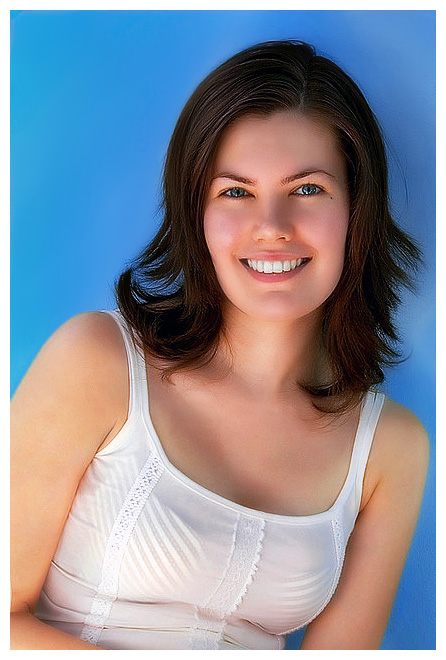
This example shows two primary features of Sagelight: Color balancing and Masking. The original image was a little yellowish. It was color balanced
with the Automatic Balance feature in Sagelight, and then brightened. The masking was then used to turn the background to a nice blue, which highlights her skin
tones and eyes much better than the original teal-colored background.
The soft-focus feature was also used to bring out a glow, but
to keep the sharpness in the image. The Dodge and
Burn brush was used to deepen the background, bringing out the
subject.