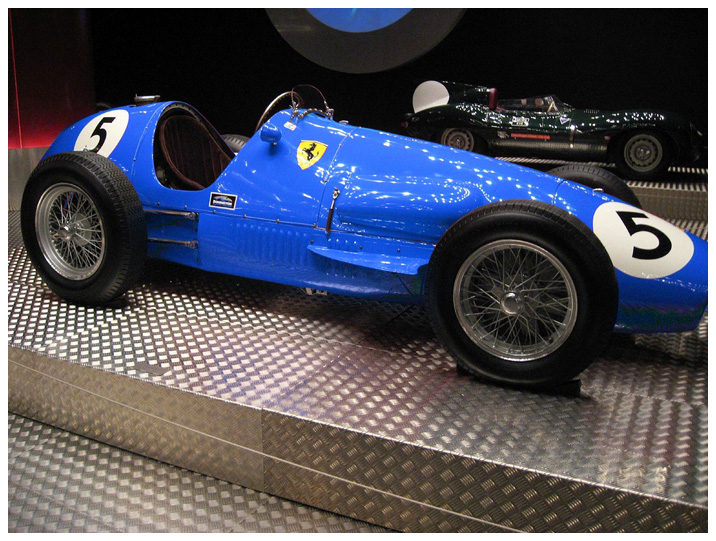
This is a sample of very simple masking. From the Quick Edit
Box, we just clicked the car and simply moved the Hue Slider to
change it from red to blue. A few touchups to get clear some
edges, and we’re done. Note that just the car color
changes, and not the red in the background.
The result is a different car color that looks very natural,
completed in just a few seconds.