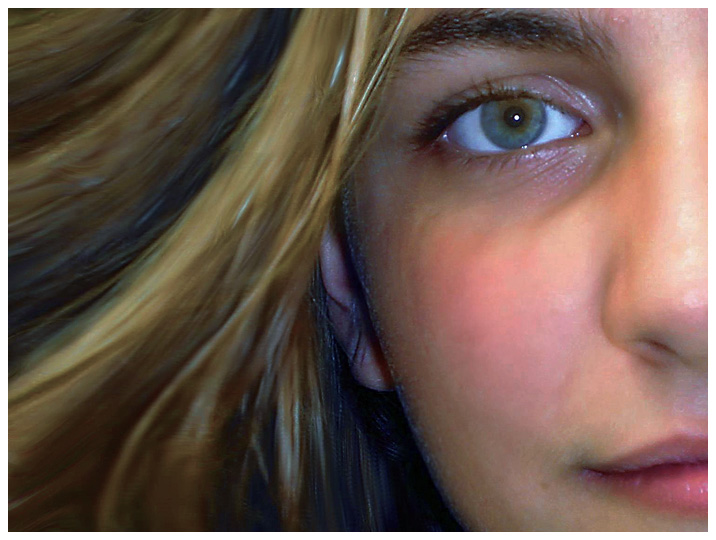
Sagelight can be used to adjust pictures that have been
previously retouched. In this example, the picture is far too
saturated and yellow. With a few quick adjustments in the Pro
Quick-Edit mode, we bring down the saturation and balance the
picture all in one movement.
The result is a much more natural picture.