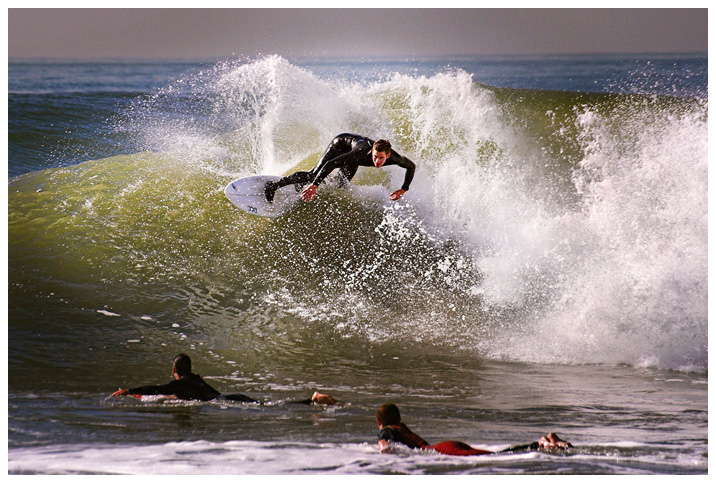
In this example, we made it really dramatic. First,
we used the Pro Quick Edit box to normalize (levels
option) and balance the picture. Then, we used the Draw
Mask to create a vignette around the surfer. With the
vignette-mask in place, we brought down the background.
Then we used the Dodge and Burn brush to selectively add
contrast and bring down the shadows.
The result is a much more dramatic and light-balanced
photograph, with the colors coming out and the focus
where it belongs, on the surfer.