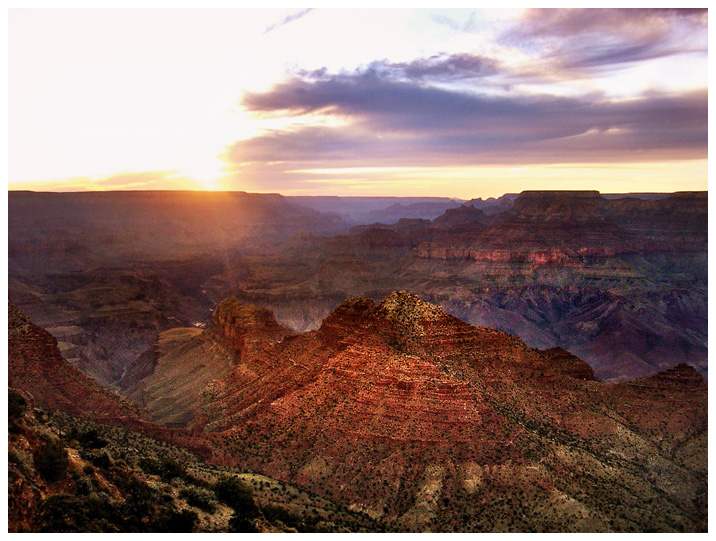
Just as with the "Cute Dog" example, this example was very hazy. It was
also at sunset, so there was little light in the picture.
First, we used the Pro Quick Edit mode to balance the
picture, then used the Dynamic Light functions to get
rid of the haze and bring up the shadows. Then, we used
the Dodge and Burn brush to bring up the light in the
foreground. Using the Highlight brush in the Dodge and
Burn function, we brought out the highlights in the
background.
The result is almost a much more dramatic, moody, and
colorful picture.