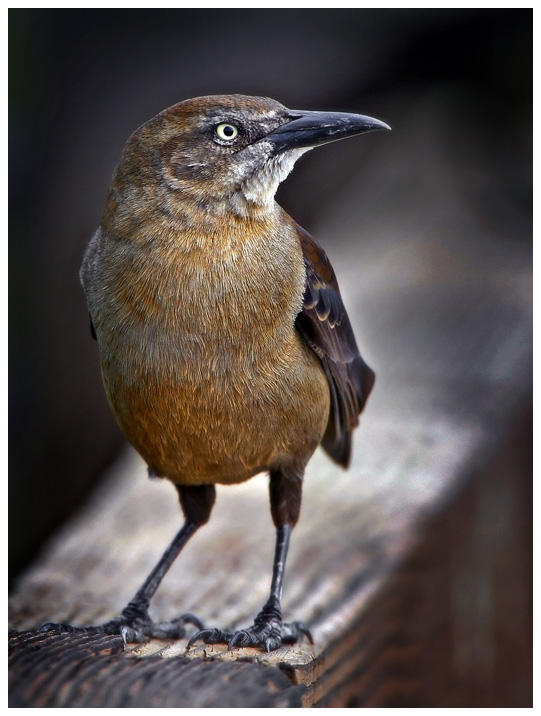
First, we used the Pro Edit Box to balance the picture, but
mostly to bring down the midtones and to increase the color.
Then we use the Draw Mask to create a vignette around the bird
so that we can bring down the background. We then used the Dodge
and Burn brush to selectively deepen contrast and highlight
areas on the bird to bring it more into the foreground.
The result is a much more colorful and natural-looking
picture, with the focus on the bird, making it stand out.
The entire process took just a couple minutes, with a result
that looks much more natural from a picture that was so tinted
it was not useable.