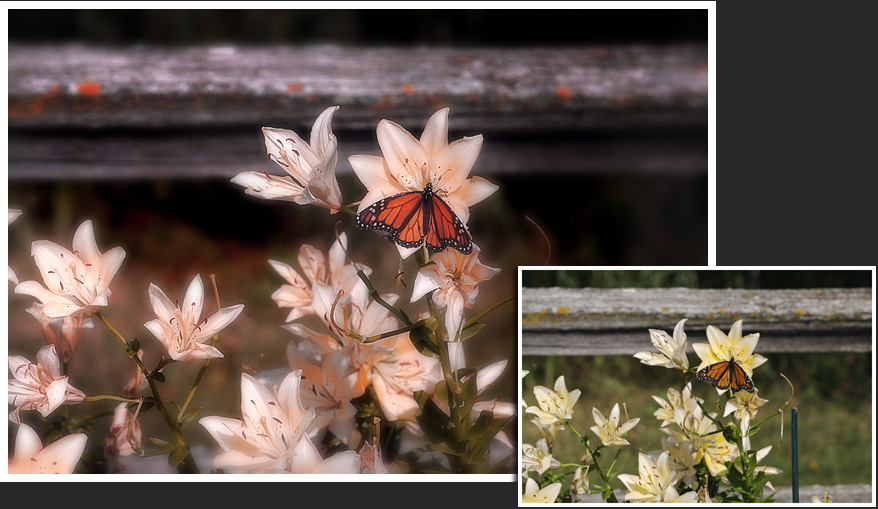
This picture was created by balancing the picture in
the Pro Quick Edit mode and reducing the saturation.
Then we used the “glow” effect (sharpen and soft blur),
after which we used the Artistic Color feature in the
Photographic Tint to move the colors into the same
direction (about 50%).
The result is an artistic picture that makes the butterfly
and the common elements of the picture stand out.