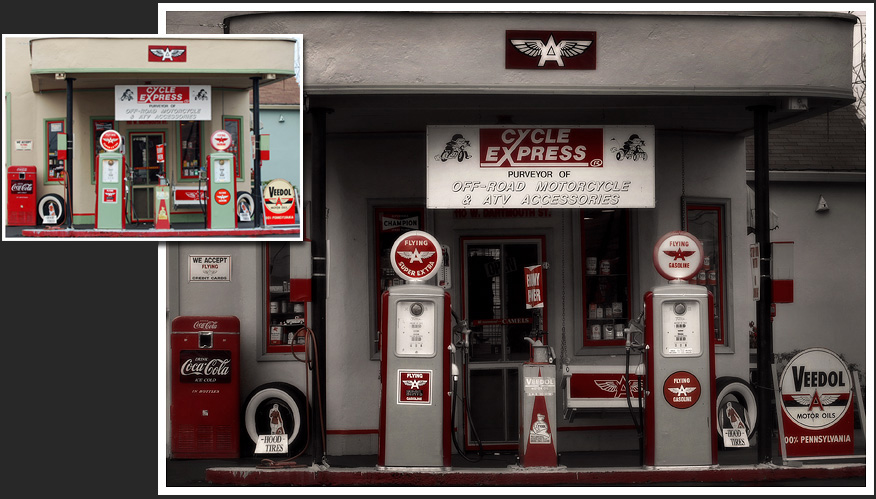
The original picture is nice, but is very busy. At
first, we just wanted to make the picture dramatic by
adding a soft vignette and bringing down the highlights
and midtones.
Then, we decided to make it look more vintage. We
clicked on a red area to select all red in the picture.
Then we Inverted the mask and removed the color from all
non-red areas by sliding the saturation slider to the
left.
After this, we created a vignette with the Draw Mask to bring
the focus to the